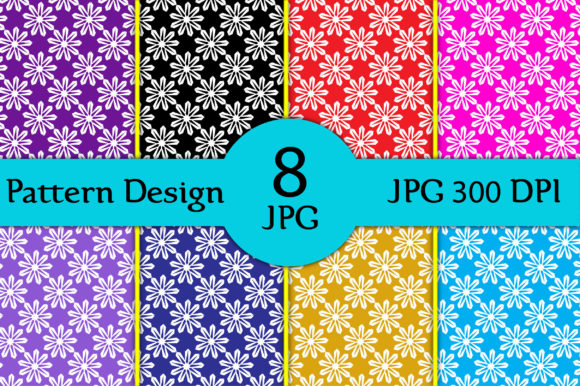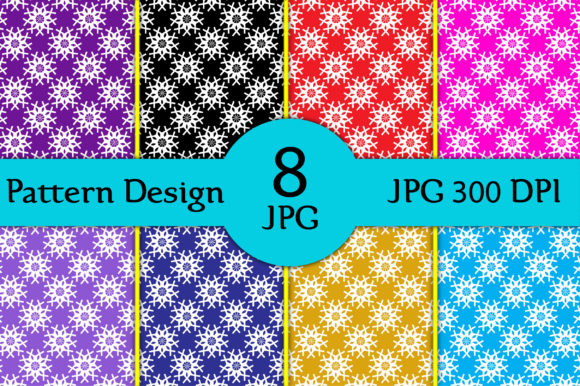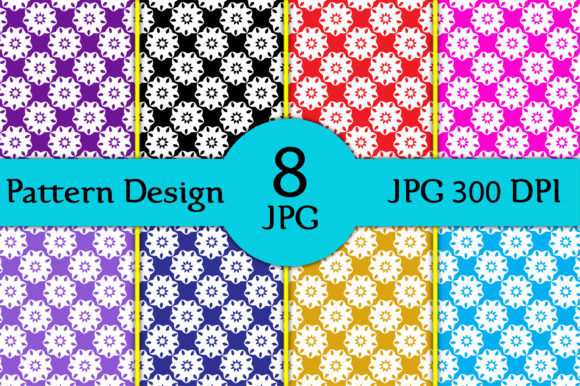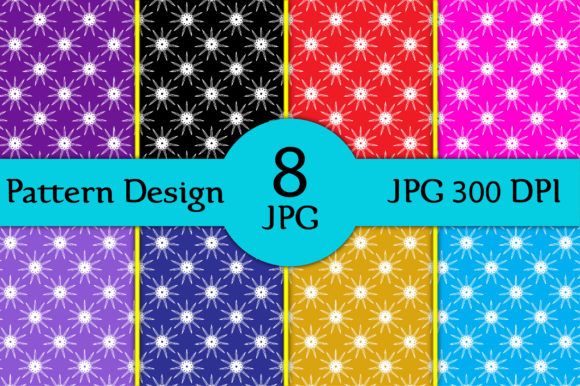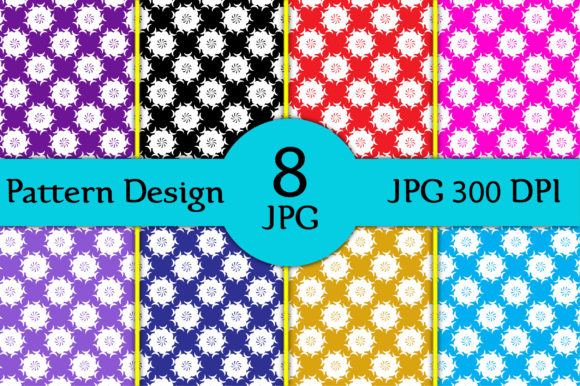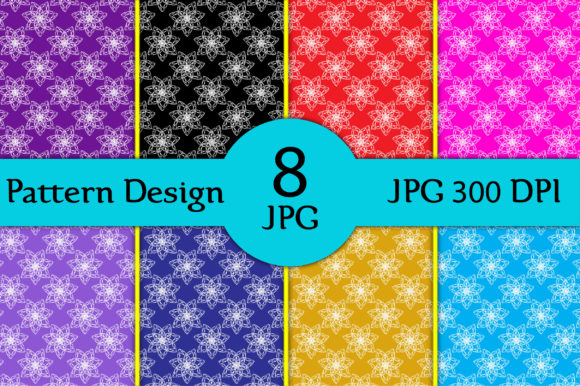
Seamless Patterns Designs V27: Smart Choices for Sublimation, Fabric Printing & Creative Projects
If you're designing for sublimation, printing on fabrics, or producing custom merchandise—like t-shirts, mugs, pillows, decals, or home décor—Seamless Patterns Designs V27 is a practical, high-quality resource. It’s not just another pattern pack; it’s a thoughtfully assembled set of 8 digital seamless repeats, delivered as crisp 3600 × 3600 px JPG files at 300 dpi—ideal for professional-grade output without scaling artifacts or pixelation.
What Makes Seamless Patterns Designs V27 Stand Out (and What People Often Overlook)
Many designers assume all “seamless patterns” work equally well across applications. That’s not true. Some repeat tiles have visible alignment seams when tiled at scale. Others lack sufficient resolution for large-format fabric printing—or worse, they’re saved at 72 dpi and only *look* sharp on screen. Seamless Patterns Designs V27 avoids those pitfalls: each 12 × 12 inch file is built to tile invisibly, tested at real-world print sizes, and optimized for dye-sublimation workflows where color fidelity and edge continuity matter.
Yet users sometimes miss the importance of file format compatibility. While JPGs are widely supported, they don’t support transparency. If your project needs cut-out decals or layered overlays (e.g., placing a pattern behind text on a mug mockup), you’ll need to mask or isolate elements manually. That’s not a flaw in the set—it’s a format reality. Knowing this upfront helps you plan smarter: use these patterns as base layers, then add transparent graphics separately.
A Common Misstep: Assuming “High Resolution” Means “Ready for Every Use Case”
Yes, these are 300 dpi files—but resolution alone doesn’t guarantee suitability. For example, sublimation on polyester blends requires precise color profiles (like sRGB or Adobe RGB) and proper ICC calibration. The Seamless Patterns Designs V27 files are sRGB by default, which works reliably for most consumer and prosumer printers—but if you’re working with a commercial RIP system that expects CMYK or a custom profile, you’ll need to convert carefully. Skipping this step can shift blues toward purple or mute earthy tones, especially on light-colored fabrics.
Another subtle issue? Scaling behavior in design software. When you place a 3600 × 3600 px image into Adobe Illustrator or Affinity Designer and resize it non-uniformly (say, stretching width only), you break the seamless repeat logic. The pattern no longer aligns edge-to-edge. The fix is simple: always scale proportionally, or better yet, use the “Pattern Fill” feature in vector apps—import the tile once, define it as a swatch, and let the software handle tiling automatically.
Why File Count Matters More Than You Think
This set includes 8 distinct patterns—not 50 or 100. That’s intentional. Too many options lead to decision fatigue, especially for beginners building their first product line. Eight gives you enough variety (geometric, organic, textured, tonal) to cover seasonal collections, branding palettes, or niche markets—without overwhelming your workflow.
Still, some buyers expect editable source files (like AI or PSD). Seamless Patterns Designs V27 delivers ready-to-use JPGs only. That’s ideal for quick integration into Canva, Cricut Design Space, Silhouette Studio, or sublimation RIP software—but if you need to recolor individual motifs or adjust spacing, you’ll need to recreate elements manually or use selection tools. Clarify your goal first: speed and reliability vs. deep customization.
Real-World Checks Before You Download or Deploy
Before using Seamless Patterns Designs V27, ask yourself three things:
- What’s my primary output method? Sublimation on ceramic mugs behaves differently than direct-to-garment printing on cotton tees. Test one pattern on your actual substrate first—especially for dark backgrounds, where white underbase requirements may affect how the pattern reads.
- Do I have the right color management in place? Soft-proof in sRGB before sending to print. If colors look dull or oversaturated on screen, calibrate your monitor or check your software’s color settings—not the pattern file itself.
- Is my canvas size aligned with the tile? A 12 × 12 inch pattern tile fits perfectly on standard 12 × 12 inch cutting mats, heat press platen areas, and common fabric yardage increments. Using it on a 16 × 20 inch surface without adjusting tile scale or repetition count may cause awkward cutoffs or stretched repeats.
Better Workflow Habits for Long-Term Use
Save time and maintain consistency by organizing your Seamless Patterns Designs V27 files with clear naming: V27_Geometric_Slate_3600x3600.jpg, V27_Watercolor_Terracotta_3600x3600.jpg. Avoid renaming to generic terms like “pattern1.jpg”—you’ll waste minutes hunting later.
Also, keep a backup of the original ZIP outside cloud-synced folders. Some platforms auto-convert or compress downloaded JPGs, quietly degrading quality. Store the master files locally or in a version-controlled archive.
And if you’re sharing assets with a team or contractor, include a brief usage note: “All patterns are seamless 3600 × 3600 px JPGs, sRGB, 300 dpi—no transparency. Best used as background fills or full-coverage prints.” Clarity here prevents misaligned expectations and rework.
Final Thought: Quality Isn’t Just About Pixels
What makes Seamless Patterns Designs V27 valuable isn’t just its technical specs—it’s how thoughtfully it bridges digital design and physical output. These aren’t decorative fillers. They’re production-ready assets built for real constraints: heat press dwell times, fabric weave openness, ink absorption rates, and customer expectations for polish.
So whether you’re launching your first Etsy shop, updating branded merch for a small business, or designing classroom materials with tactile appeal—choose patterns that respect both your time and your output medium. With Seamless Patterns Designs V27, you’re not just downloading files. You’re adding reliable, field-tested tools to your creative toolkit.